
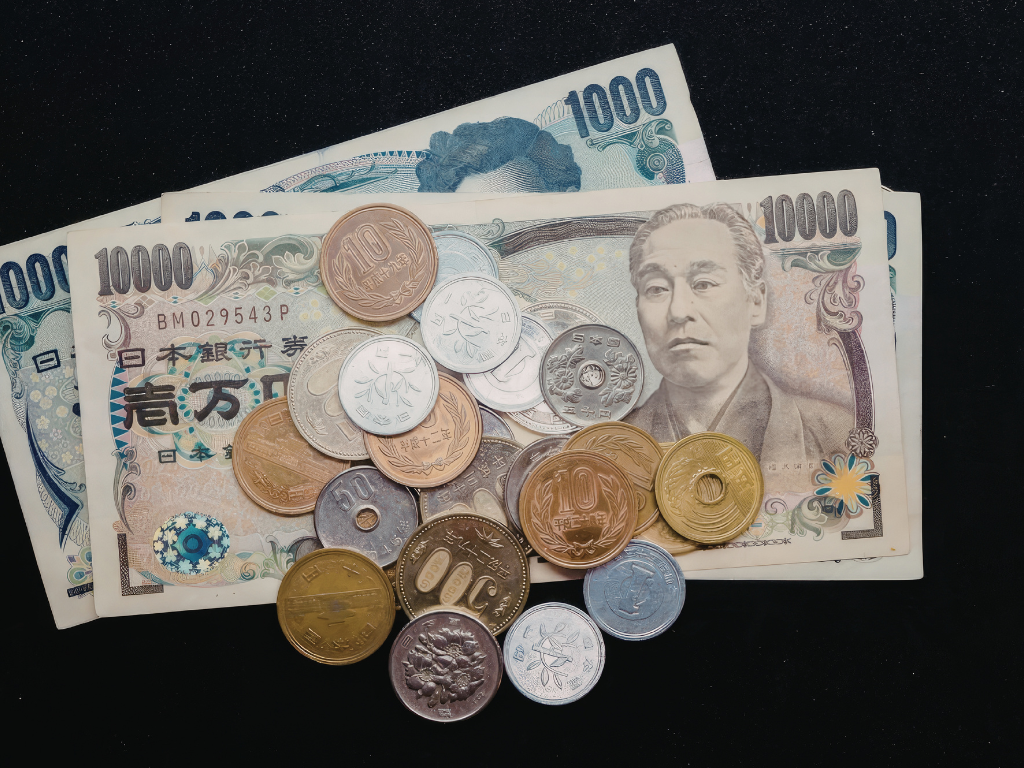
Multi-currency accounting software in Singapore stopped being a large-enterprise concern, because the country sits at the centre of global currency flow. Singapore handled 11.8% of world FX volume in April 2025, third behind only the UK and the US. This blog walks you through pricing foreign exchange correctly, from transaction to reporting currency, using automated currency management instead of a spreadsheet.
What is multi-currency accounting software?
Multi-currency accounting software records transactions in any currency, translates them into your reporting currency automatically, and tracks the gains and losses that movement creates. It applies live exchange rates, revalues open balances, and keeps the audit trail that a spreadsheet cannot.
The defining capability is automatic translation with a clean record behind it. A single-currency system forces every foreign invoice into a manual conversion; a multi-currency system stores the original amount, the rate, and the converted value together. Sage Intacct, for example, records each transaction in its own currency, translates to the reporting currency using up-to-date rates, and generates cumulative translation adjustments on consolidation without a manual journal. For a Singapore business invoicing in USD and paying suppliers in MYR, that removes the single most error-prone task in the close.

Transaction, functional, and reporting currency: what is the difference?
These are the three currency layers every multi-currency system tracks, and confusing them is where most FX errors start. Transaction currency is the currency on the invoice. Functional currency is the entity’s home currency for its books. Reporting currency is the currency the group consolidates into.
A Singapore subsidiary might bill a client in US dollars (transaction currency), keep its books in Singapore dollars (functional currency), and roll up to a parent that reports in euros (reporting currency). Each layer needs its own translation, and each translation can throw a gain or loss. Software handles all three in one posting; a spreadsheet forces a separate manual step at every layer. Sage Intacct assigns a base currency per entity and translates upward automatically, which is why a group can run SGD, USD, and EUR books side by side and still produce one consolidated statement. Get the functional currency wrong at setup and every downstream report inherits the error.

What are realised and unrealised FX gains and losses?
A realised gain or loss happens when a foreign-currency transaction settles at a different rate than when it was booked. An unrealised gain or loss is the paper difference on an open balance that has not settled yet, measured at period end.
The distinction drives both your accounts and your tax position. If you invoice a customer USD 10,000 when the rate is 1.35 and they pay when it is 1.32, the SGD you actually receive differs from what you booked, and that gap is a realised loss recorded on settlement. An unrealised movement applies to invoices still outstanding at month-end, revalued at the closing rate without any cash changing hands. Multi-currency software calculates both automatically and posts them to the right accounts; a spreadsheet relies on someone remembering to revalue every open item. IRAS treats realised exchange differences as taxable or deductible, so getting this wrong is a tax problem, not just an accounting one.
How does FX revaluation actually work?
Revaluation restates open foreign-currency balances at the current exchange rate, posting the difference as an unrealised gain or loss. Most finance teams run it at every period end, monthly, before they close.
The system pulls the closing rate, compares it to the rate each open item was booked at, and posts the variance automatically across receivables, payables, and bank balances held in foreign currency. Sage Intacct automates this with scheduled revaluation and daily rate feeds, so a controller does not rebuild a revaluation schedule by hand each month. The output flows into the consolidation as a cumulative translation adjustment, keeping the group balance sheet in balance after translation. A business holding USD, EUR, and JPY balances revalues all three in one run rather than three separate spreadsheets. The cleaner approach is to let the system revalue on a schedule tied to your close calendar, not to chase rates manually when someone remembers.
Which exchange rates should a Singapore business use?
For GST, you must use an approved rate source, and you have three accepted options. IRAS accepts rates published daily by the Monetary Authority of Singapore, the selling rate quoted by a local commercial bank, or another source acceptable to the Comptroller of GST.
The rule that trips teams up is consistency. The Singapore FX market handles enormous daily volume, so rates move constantly, but for GST you must apply your chosen source consistently for at least one year from the end of the accounting period in which you first used it. You cannot rate-shop month to month. Multi-currency software lets you set a single rate source and feed it automatically, which enforces that consistency far better than a manual lookup. For imports, the conversion uses the prevailing rate quoted by Singapore Customs through TradeNet, a separate rule from your operational FX rate. Pin the rate source at setup and the consistency requirement takes care of itself.
How does it handle GST on foreign-currency invoices?
It converts the GST-relevant figures to Singapore dollars at the time of supply and reports them in SGD, which is exactly what IRAS requires. The invoice can show both currencies, but the SGD figure is what counts for the GST return.
Under paragraph 11 of the Third Schedule of the GST Act, a business making supplies in foreign currency must convert the value into SGD using the rate at the time of supply, not the payment date. The IRAS foreign currency rules require the SGD-converted value of standard-rated supplies and the 9% output tax to appear in the F5 return. A customer claiming input tax uses the SGD amount on your invoice, even if their books recorded a different rate. Software that converts at time of supply and stamps the SGD value onto the tax invoice keeps you compliant automatically. A spreadsheet process that converts at payment date quietly misstates the GST return.
Why do spreadsheets break for multi-currency at scale?
They break because spreadsheets have no audit trail, no automatic revaluation, and no enforced rate consistency. Every conversion is a manual entry that someone can fat-finger, and nothing flags it.
The failure points compound with volume. A team running 200 foreign-currency invoices a month is doing 200 manual conversions, each one a chance to apply the wrong rate or the wrong date. Revaluation gets skipped under deadline pressure, so unrealised positions go unrecorded. The rate source drifts because two people use two different banks. None of this is visible until an auditor asks why the GST return and the ledger disagree, by which point moving off spreadsheet accounting is overdue. The structural fix is software that records the rate, the source, and the timestamp on every transaction, so the audit trail builds itself. Where this breaks down for spreadsheets is not capability, it is control.
Does Sage Intacct handle multi-currency, and how?
Yes. Sage Intacct manages multi-currency at the transaction, entity, and consolidation level, automating conversions, revaluations, and the cumulative translation adjustments that multi-currency consolidation produces.
It records each transaction in its currency, applies up-to-date rates with automated revaluation, and consolidates hundreds of entities across currencies in minutes while boosting productivity by more than 50%, on Sage’s figures. The closest comparison for a Singapore mid-market group is NetSuite, and the trade-offs between Sage Intacct and NetSuite come down to whether you want finance-first depth or a broader operational suite. Cost tracks the module and entity mix, laid out in our breakdown of what the platform costs, roughly S$20,000 to S$95,000 per year in Singapore. The implementation reality: set each entity’s functional currency and a single rate source correctly at the start, because fixing currency configuration after go-live means restating history.
Multi-currency accounting in Singapore is a control problem before it is a software problem. The three currency layers, the realised and unrealised split, and the IRAS rule to convert at time of supply using a consistent approved rate all demand an audit trail that spreadsheets cannot keep. Software that records the rate, source, and timestamp on every transaction turns FX from a monthly scramble into a posting that reconciles itself.
Pull a recent month of foreign-currency transactions and check how your GST converted. Then book a session to review your FX process against a Sage Intacct multi-currency setup with a certified consultant.
FAQs About Multi Currency Accounting Software Singapore
What is the difference between multi-currency and multi-entity accounting?
Multi-currency accounting handles transactions and reporting across different currencies; multi-entity accounting consolidates separate legal entities into group financials. They overlap because most groups need both. Sage Intacct delivers both natively, translating each entity’s currency and consolidating hundreds of entities into one reporting currency with automated cumulative translation adjustments.
What exchange rate does IRAS require for foreign-currency invoices?
IRAS requires conversion to Singapore dollars at the time of supply using an approved source: Monetary Authority of Singapore daily rates, a local bank’s selling rate, or another source acceptable to the Comptroller. The chosen source must be used consistently for at least one year, and the 9% GST must be reported in SGD.
What is an unrealised foreign exchange gain?
An unrealised foreign exchange gain is the paper increase in value of an open foreign-currency balance when revalued at the period-end rate, before it settles. Multi-currency software like Sage Intacct calculates it automatically during revaluation. It becomes a realised gain only when the transaction is paid or received.
Does Sage Intacct support multi-currency consolidation?
Yes. Sage Intacct consolidates entities across multiple currencies, generating cumulative translation adjustments and unlimited consolidated books under GAAP and IFRS. It handles hundreds of entities in minutes and is used by more than 30,000 finance teams, with the Singapore launch completed on 16 December 2025.